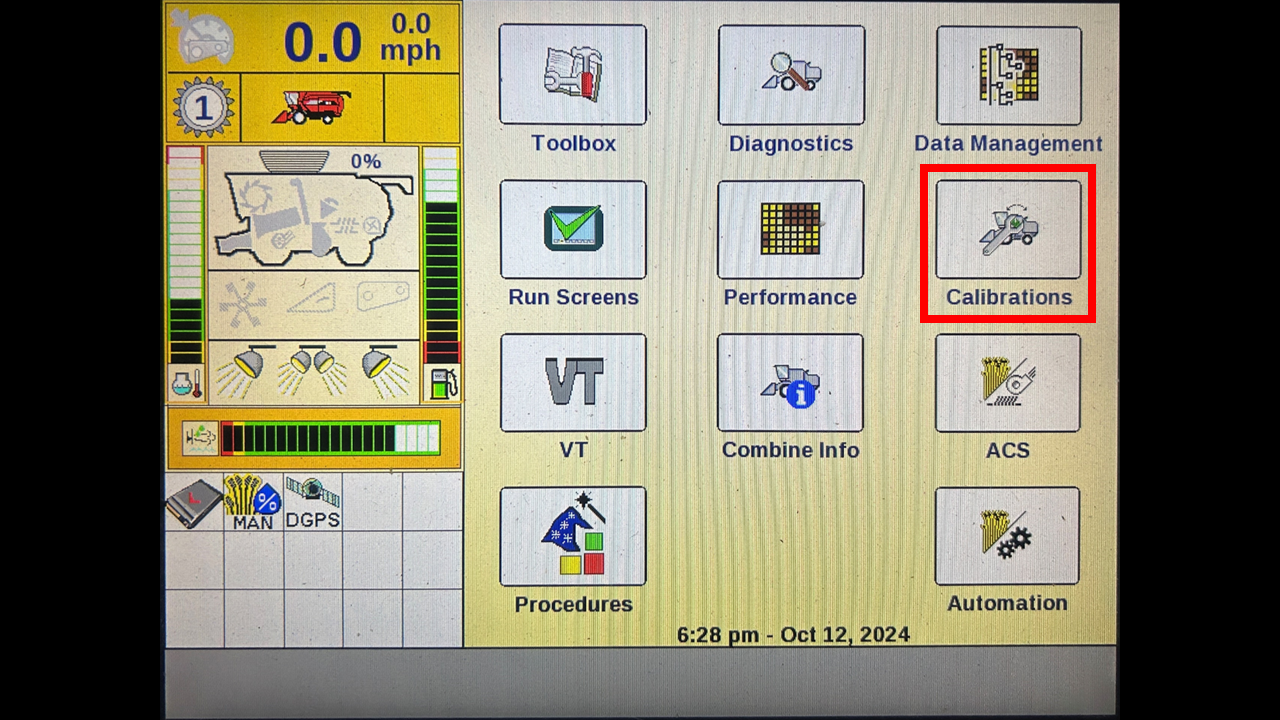
I would recommend using the wizard tool to calibrate.
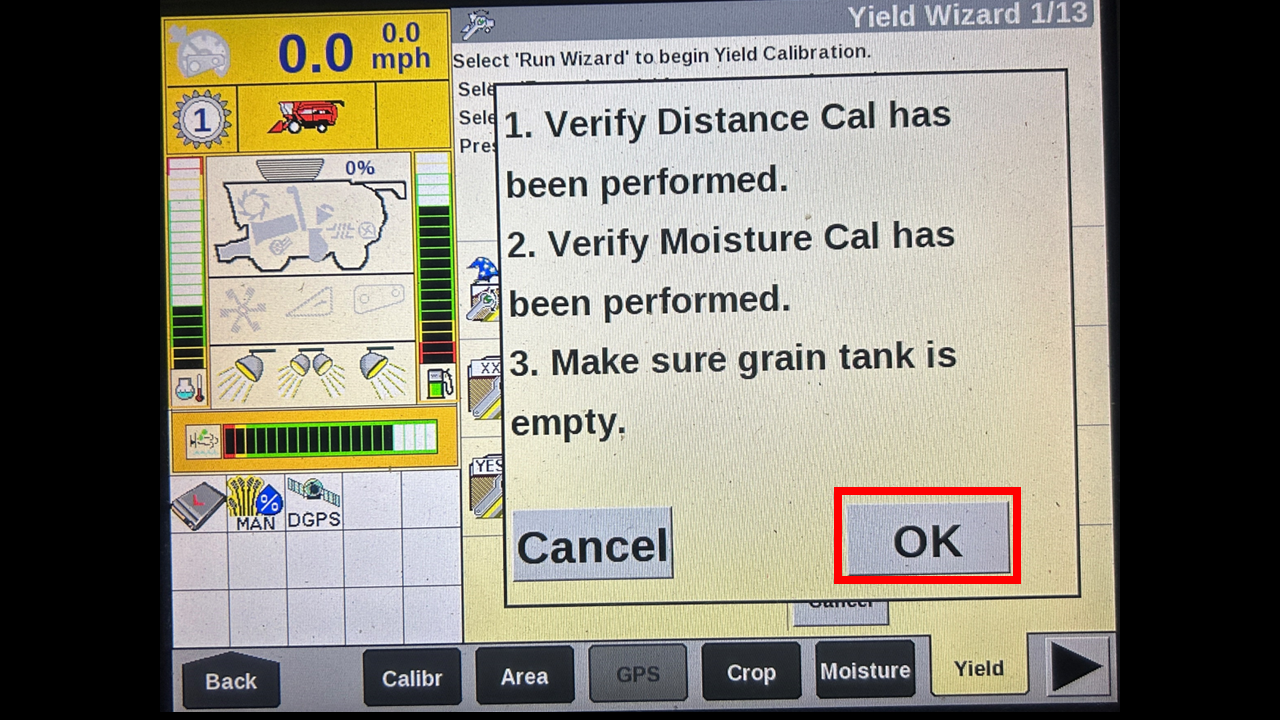
Press OK.
Select the grower for the field you are in.
Select the farm.
Select the field.
Select the crop type.
You can rename the new task that it will create I would recommend remaining it to Low, Medium, or high to denote what type of flow was used for that task.
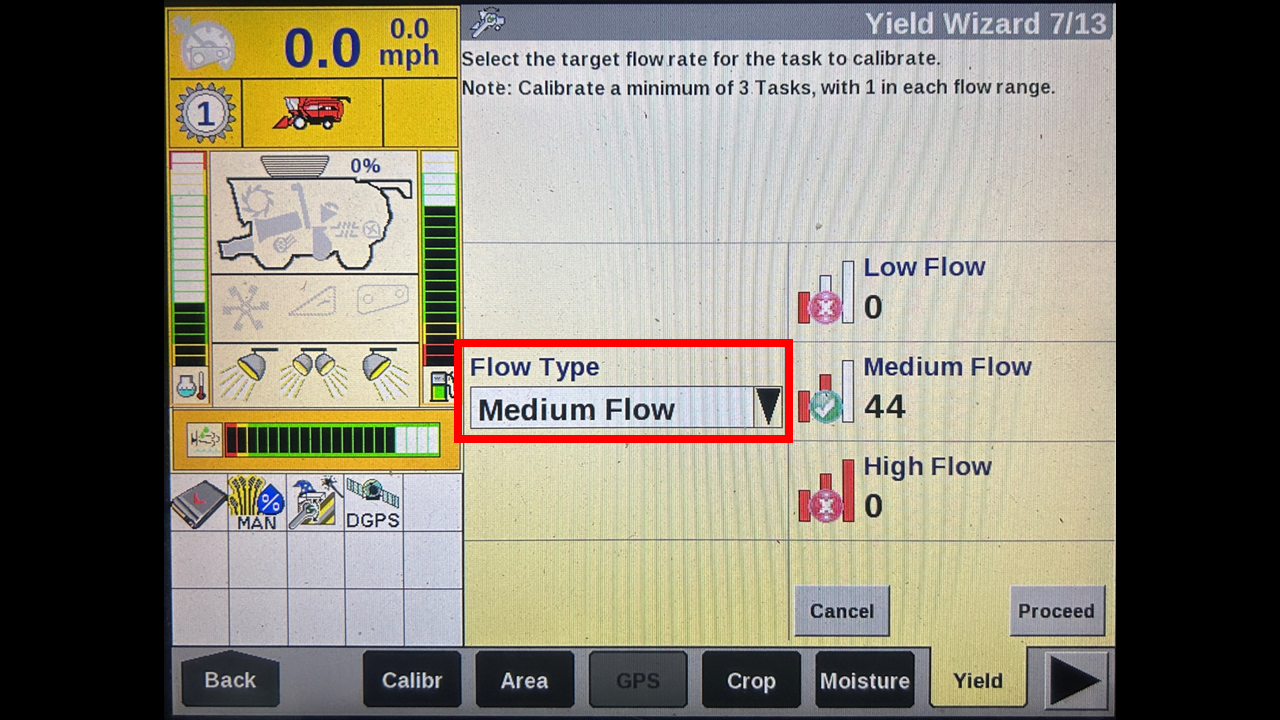
I have already completed a calibration on the medium flow. Therefore we need to do the high flow. You should complete this process for all three flow rate to ensure an accurate calibration.
Press proceed.
This page explains what you all need to do in order to complete an entire calibration.
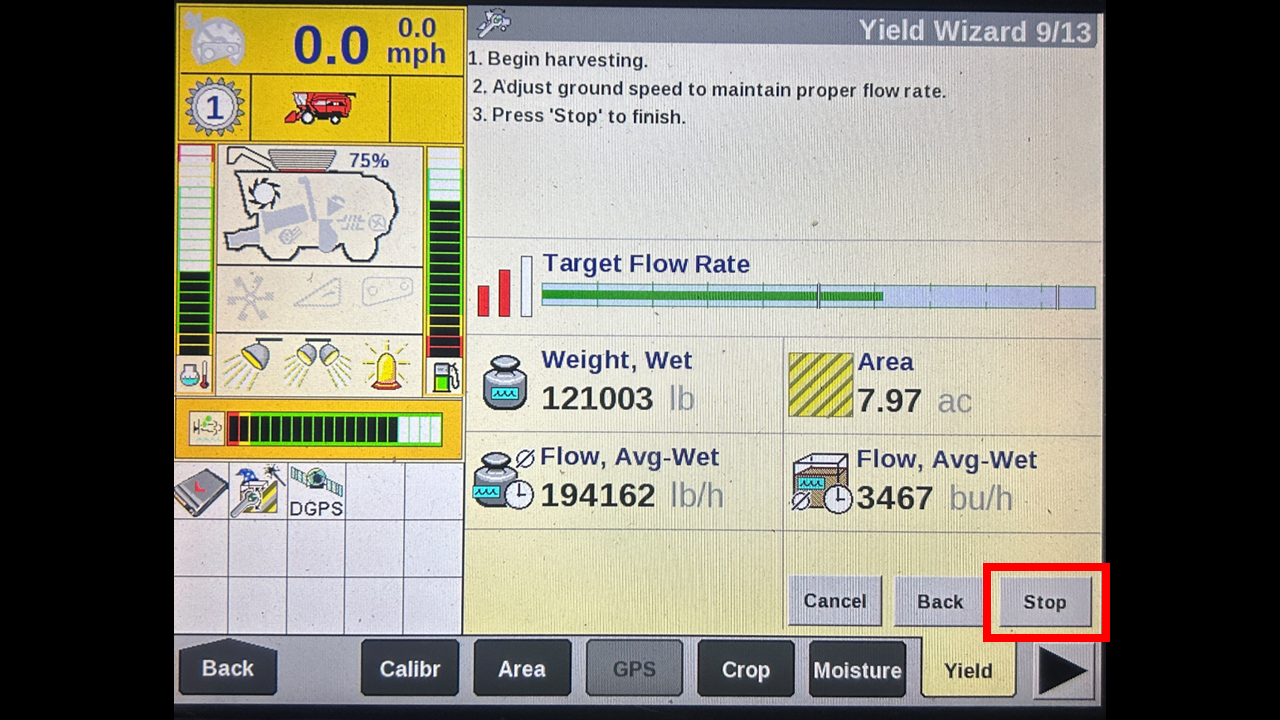
Than this page will appear, start combining crop with an empty tank.
You will than watch the green bar in the target flow range. Depending on your crop yield you will either need to speed up or slow down.
It recommend to combine atleast 3000 lbs to finish a calibration. I would recommend going close to 10000 lbs before stopping the process.
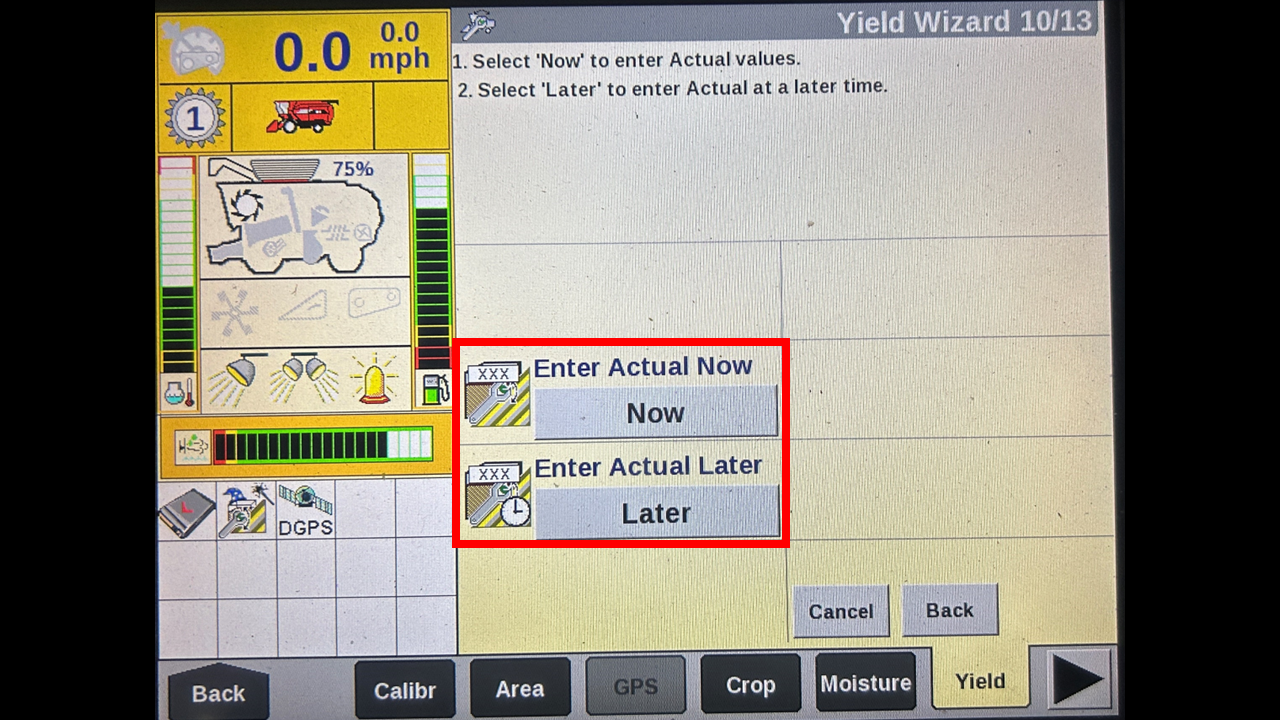
At this point you will want to have stopped harvesting and dump this weight off onto yoru grain cart. If yoru cart has an accurate scale enter the weight now if you need to take it to a scale you can press later and continue to harvest I would recommend doing it right away.
Lastly you will enter your actual weight and press calibrate. After that you may press proceed to complete that flows calibration. Like I stated earlier, you should complete one calibration for all three flows.